Document reading and data extraction
Turns a pile of scanned forms into data you can actually use.
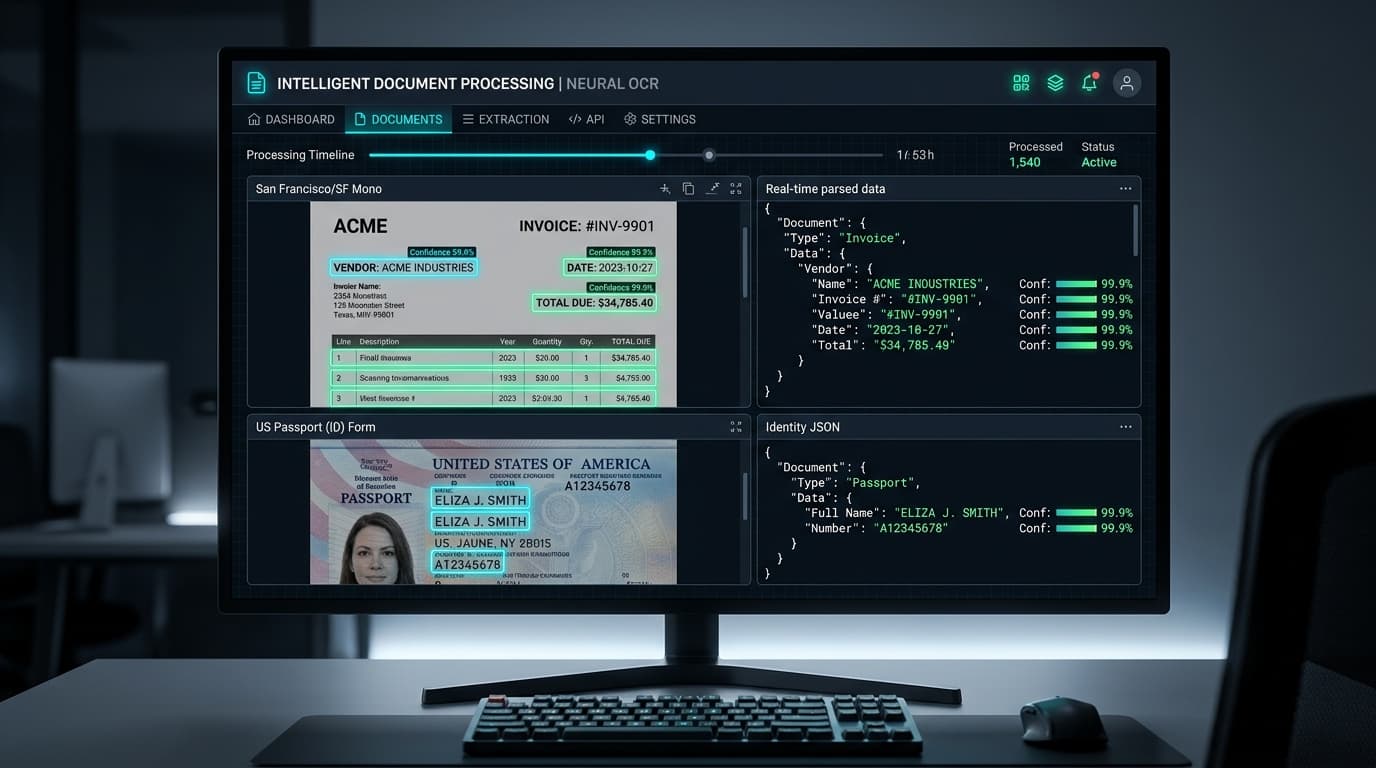
It reads scans and photographs — printed or handwritten — and pulls out the fields you care about into a structured record. It sorts documents by type, checks values against your rules, and flags what a person needs to look at.
Why use it
Turn document handling into a review task.
The everyday challenge
People copy names, dates, amounts and tables from scans into another system, then check them again. Mixed document types and unclear handwriting make the queue harder to work through consistently.
What gets easier
Extract the required fields into a structured record and direct staff to the entries that need attention. This reduces repeated typing while keeping a person involved in uncertain cases.
What you can do
- Read the information you need
- Extract printed or handwritten text, form fields and tables from supported scans and photographs, including the languages agreed for your documents.
- Sort and organise records
- Recognise the agreed document types and place their fields into a consistent structure for your team or connected software to use.
- Check before passing it on
- Apply rules such as required fields and expected formats. Flag doubtful readings or values that need someone to inspect the original.
See it in practice
A batch of forms becomes a reviewable list.
An example request
“We need the names, reference numbers and dates from these scanned forms.”
Provide the documents
Upload the supported scans and identify the fields needed for the destination record.
Extract and check
The system reads the fields, sorts the forms and applies the validation rules agreed with your team.
Review the doubtful entries
Staff compare flagged values with the originals, make corrections and pass the reviewed records to the next step.
The result: Less copying from page to screen, with review focused on the fields that need attention.
An illustrative workflow. We tailor the details to your team during setup.
Make it work for you
Your questions, answered.
What your team needs, how we check the results, and where people stay involved.
We help with setup, connections to your existing tools, and ongoing support.
Talk through your use caseWhat do we need to get started?
Bring a few examples of the work you want to make easier, along with:
- Representative scans, including difficult examples
- The fields, document types and languages to read
- Validation rules and the system receiving the records
We test your sample documents, agree how fields should be organised, and connect the review and delivery steps. Start with one document family before adding more formats.
How do you check quality and accuracy?
- Compare extracted fields with manually checked samples, especially amounts, dates and reference numbers.
- Test blurred images, missing pages and difficult handwriting; agree which fields always require human review.
Where people stay involved
Reading quality depends on the original document. Flags help focus review but may not catch every error, so high-impact records still need appropriate checks.
Who is this useful for?
Government records, defence, banking, insurance, healthcare and legal.
- Records teams
- Work through batches without retyping every field from the original.
- Operations staff
- Receive records in a consistent structure for the next task.
- Reviewers
- Check doubtful or rule-breaking values before they are relied on.
What should our technical team know?
OCR, handwriting recognition, table and entity extraction, API delivery.
We agree the connections, access permissions, hosting and monitoring before deployment. Private infrastructure options and ongoing support can be discussed in the walkthrough.
Catalogue
Explore related solutions
Knowledge assistant for your own documents
Ask a question in plain English, get the answer and the document it came from.
Automated reports
Your numbers, written up as a finished report, on a schedule.
Custom AI systems
AI built around the problem your business needs to solve.
Book a walkthrough or tell us how you’d like to use this system. We’ll help you choose the right setup.