Automated reports
Your numbers, written up as a finished report, on a schedule.
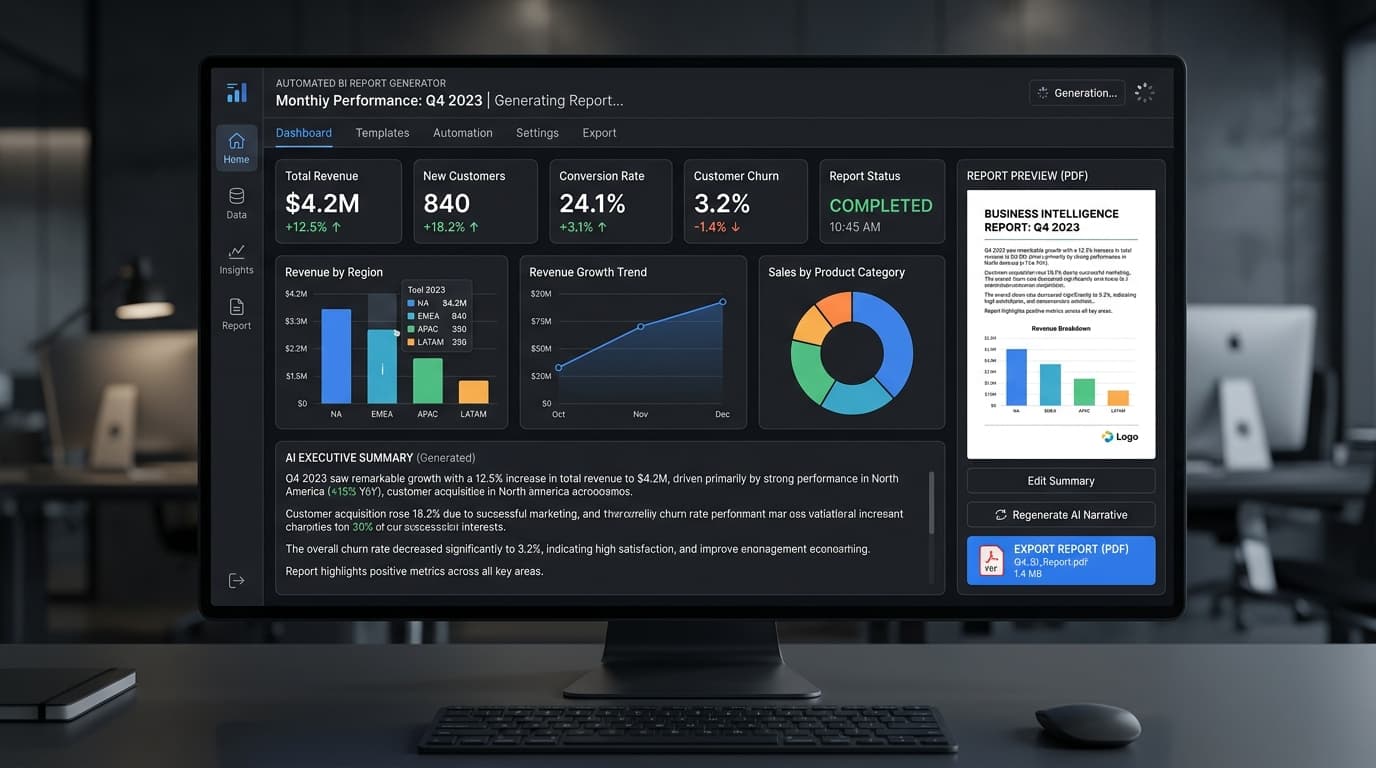
It takes data from your systems, works out what changed and what is worth saying, and produces a document with charts and a short written summary. It runs on whatever schedule you set and lands as a PDF or Word file in your template.
Why use it
Spend more time deciding what to do with the numbers.
The everyday challenge
Every reporting cycle repeats the same work: collect figures, rebuild charts, write the changes and format the document. Copying between systems can also leave different versions of the same report in circulation.
What gets easier
Prepare recurring reports from agreed sources and a consistent template. Your team can review the figures and explanation, then concentrate on decisions and follow-up actions.
What you can do
- Bring the information together
- Pull the agreed data from existing systems or prepared inputs, with the reporting period and measures defined for your team.
- Explain what changed
- Turn the numbers into charts and a short written summary. Make a regular report easier to read without rebuilding it by hand.
- Use your format and schedule
- Generate a PDF or Word document using your template, whether you report daily, weekly or monthly.
See it in practice
The weekly operations report is ready for review.
An example request
“Every Monday, show us last week's completed work and the change from the week before.”
Collect the agreed figures
Read the connected source for the two reporting periods using the definitions approved by your team.
Prepare the document
Build the charts and draft a summary of changes in the team's reporting template.
Review, then share
The report owner checks the totals and explanation before using the document in the weekly meeting.
The result: A repeatable reporting routine with less manual formatting and more time for understanding the results.
An illustrative workflow. We tailor the details to your team during setup.
Make it work for you
Your questions, answered.
What your team needs, how we check the results, and where people stay involved.
We help with setup, connections to your existing tools, and ongoing support.
Talk through your use caseWhat do we need to get started?
Bring a few examples of the work you want to make easier, along with:
- A sample report and your preferred document template
- The data sources and definitions for each measure
- The reporting schedule and person who approves it
We map each report item to its source, build the template and compare a trial report with a manually checked version. The schedule starts after the review process is agreed.
How do you check quality and accuracy?
- Reconcile totals, date ranges, missing data and calculations with the source records.
- Check that the written summary describes the figures and does not invent a reason for a rise or fall.
Where people stay involved
A polished report can still contain an error from its source or summary. The report owner checks important figures and adds business context before making decisions.
Who is this useful for?
Business intelligence, government reporting, defence, healthcare and education.
- Operations teams
- Stop rebuilding the same recurring report from a blank document.
- Managers
- Read a consistent summary of what changed across reporting periods.
- Analysts
- Focus their review on the figures, definitions and explanation.
What should our technical team know?
Structured and unstructured inputs, scheduled generation, dashboard integration.
We agree the connections, access permissions, hosting and monitoring before deployment. Private infrastructure options and ongoing support can be discussed in the walkthrough.
Catalogue
Explore related solutions
Social media copilot
Drafts your posts, plans the calendar, and tells you what worked.
Knowledge assistant for your own documents
Ask a question in plain English, get the answer and the document it came from.
Document reading and data extraction
Turns a pile of scanned forms into data you can actually use.
Book a walkthrough or tell us how you’d like to use this system. We’ll help you choose the right setup.